Your best future engineers already work in operations
Operations admins write the logic customers and employees run into, see the product's gaps first and hear what customers ask for. AI lets them build to the rules they know, as long as the rules that can't bend stay out of the model's hands.
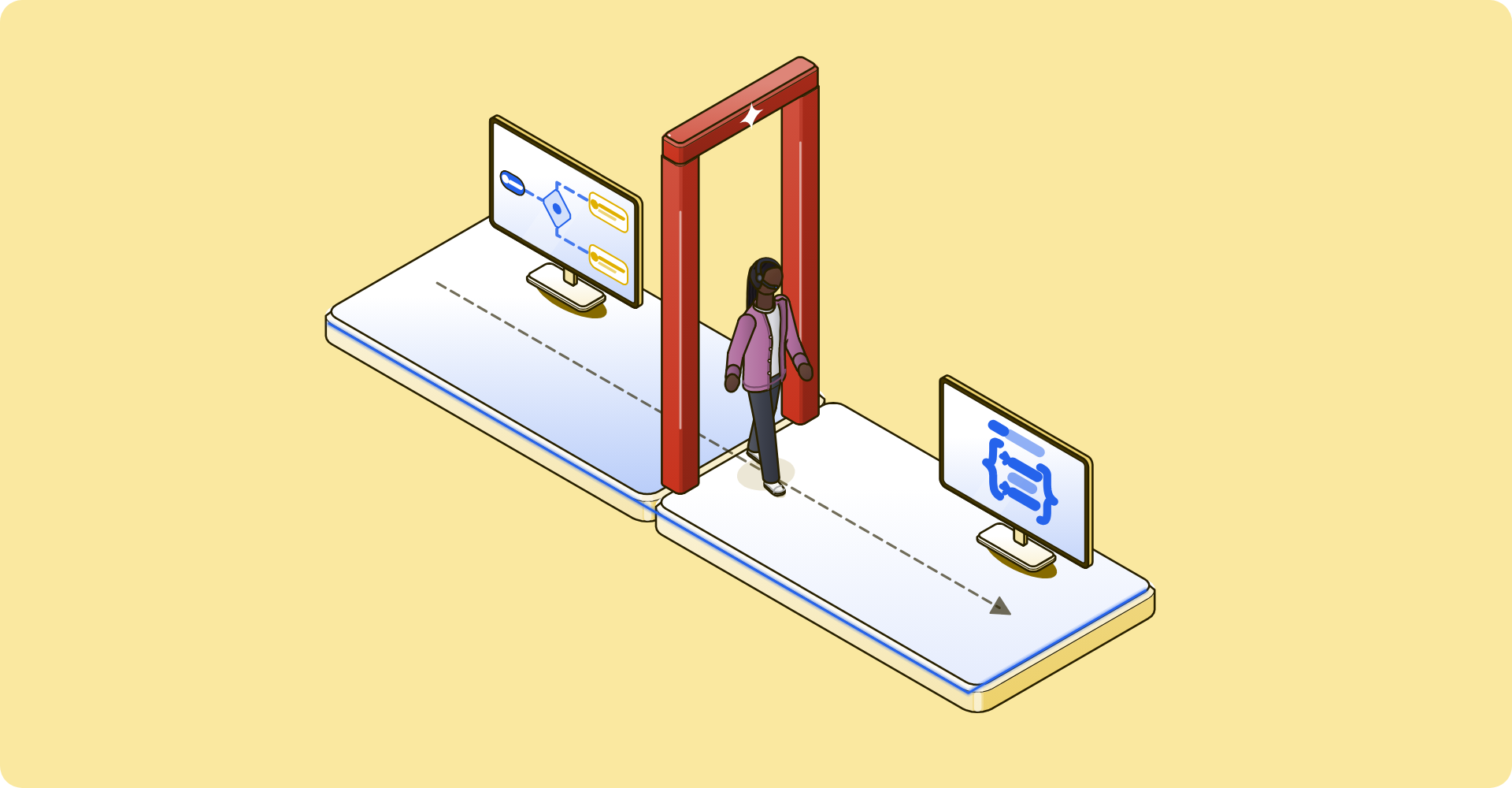
ADMIN TO BUILDER: Help desk rules already work like code and AI shortens the walk to building tools
If you need people who can build AI tools around the way your company actually works, look in operations before you post a job. Every operations team has someone who sets up the system the rest of the team works in. They write the rules that send a support ticket to the right queue or a leave request to the right manager, and when one of those rules does something odd, they're the one people go to. They think in systems of work, they know the rules that work has to follow, and customers tell them where the product falls short before anyone else in the company hears it. AI has shortened the step from writing those rules to building the software that follows them.
I've ended up as that person at every job I've had. At Figure I was the sole admin for the contact center, through a move from Genesys to Five9 and an Intercom implementation. At Tools for Humanity I owned the help desk for three years, and the job grew into building six AI agents, custom Zendesk apps and a work system 14 teams ran on.
They already write the logic the work runs on
Take the help desk admin, since that's the seat I know best. Most of the job is triggers and macros, and a trigger is branching logic. In Zendesk, each trigger has two lists of conditions, ALL (every condition must be true) and ANY (at least one must be), plus the actions that run when a ticket matches. Read as code, a single trigger is if (A and B and C) and (D or E) then act, with no else. The else comes from the order: triggers run in sequence on every ticket that's created or updated, and a well-built routing set has each trigger skip the tickets the ones above it already handled, with a catch-all at the bottom. Written out, the whole set reads as if, else if, else.
Written out, the whole set reads as if, else if, else
A WELL-BUILT ROUTING SET, READ AS CODE
Keeping that chain right is systems work. Every new product, brand, language or policy adds a branch, and the admin has to fit it in without changing where every other ticket already goes. Macros add another layer, since one click can update a ticket's fields, reply to the customer and hand the case to another team. The same thinking runs a sales team's CRM workflow rules and an HR system's approval chains. In each case the person maintaining it is reasoning about order, overlap and what a change will break, against the real rules of the business: which cases can't wait, who has to approve what, and what the law requires in one country but not the next.
They see the product's gaps and the customer's asks first
Operations people also sit closest to the product as customers use it. Every case that doesn't fit the design ends up in their queue, so a lot of the time they know how the product works, and where it falls short, better than the product, engineering or policy teams that own it. Ask one of them about a feature and you can get a precise write-up of how it works today, what they'd change and why. That's why product teams keep sourcing ideas from support and ops. They're closest to the customer too: voice-of-the-customer programs are usually run by support, or fed by support to someone in product whose job is collecting what customers say.
I've done both. Through Zendesk's early access programs I've sent about 110 product suggestions across their products; they accepted more than 40, and four or five shipped. For the customer side at Tools for Humanity, I designed and stood up a feedback analysis pipeline that took Zendesk cases with their satisfaction ratings, analyzed them across several AI models, pulled metrics from Snowflake and Metabase, and broke the findings out by brand, category and device operating system.
AI lets them build to policy, with the rules kept deterministic
The hard part of most internal tools and bot flows is knowing what should happen, in what order, for which request and under which rule, whether the rule is internal, like an escalation path or an approval limit, or external, like a regulation or a partner's terms. Operations people carry that knowledge because applying it by hand is their job. What used to stop them was the code. With an AI coding tool and a system's API, someone who can write a rule down precisely can now build the tool that follows it, and test it against the cases they've already watched go wrong.
That goes for product features as well as internal tools. At Tools for Humanity I built demo chat interfaces to test UI changes such as conversation titles and pinning conversations by age and brand. I also built custom Help Center pages and forms, a script that set the Help Center's language from the visitor's device or browser, and scripting that passed details to the bot so it could call an API and find Orbs (the devices people verify with) near the person asking. Product teams should be building with AI too, of course. When ops can build as well, the ideas product already takes from them can arrive as something that runs.
On the internal side, I built the work system at Tools for Humanity with Claude, the Linear API and Slack workflows, and set up all 14 of its teams myself, from Legal and Privacy to Fraud. One Zendesk macro escalated a ticket to Slack and to Linear, the issue tracker, at the same time, with its details attached. Zendesk couldn't tag Linear's AI agent, but a Slack workflow could, so requests went through Slack: the workflow tagged the agent, and the agent read the team's doc, triaged the request and asked for anything missing, then confirmed the routing or sent it somewhere else while the Slack thread stayed synced to the issue. I knew where each step belonged because I already knew where requests stalled.
The agent got the step where judgment helps, and the rest ran the same way every time
THE ESCALATION FLOW IN THE WORK SYSTEM I BUILT
That flow also shows the call that matters most when ops people build with AI: which steps have to be deterministic and which can be probabilistic. The macro and the Slack workflow did the same thing every time, and the agent got the step where judgment helps, reading a messy request against the team's doc and working out what was missing or where it belonged. Support bots need the same split. In the ones I design, a help-center answer can come from a model, but the exits are fixed counts: someone who asks for a human twice gets one, and after three help-center searches without asking, the bot offers a human anyway. MCP sits on the probabilistic side; it's a very useful way to connect an agent to a tool, but the agent decides when and how to call it, so when a step needs to be clear and well defined, I build it on the API directly. Getting that split right depends on knowing which rules can't bend, and the people who have applied a policy by hand for years already know which ones those are.
Start with whoever fixed the last misfire
Look for the person people go to when a trigger, a workflow rule or an approval chain does something nobody expected; they're usually the one who fixed it last time. Give them a problem from their own queue, a safe place to build, and an engineer who reviews anything customers or employees will touch: what it can reach, how it was tested and how it gets switched off. Then write down the path from admin work to automations to a role on an engineering or internal tools team, so they can see where the work leads. My own AI work ran from spreadsheet formulas and Apps Script at Figure and Coinbase to the tools and integrations whole teams ran their work on at Tools for Humanity.
A safe place to build should mean something specific, because a company can't skip the scoping a solo builder can. When I wrote the safe-AI policy for CX at Tools for Humanity, covering Claude, Codex and Notion AI, it set model limits, made read-only access the default, required a dry run before any write, and used hooks to block writes outside a person's role. Our bots also had staging versions where changes were tested and demoed before they went live. Start new builders read-only in a setup like that, and widen their access as their tools prove themselves.
This doesn't fit every admin. Some people are excellent at running a system and have no interest in building one, and that job still needs doing. If one person is the only one who understands how routing works, moving them into a build role without a backfill leaves routing with nobody who understands it. Work with real security exposure, or code other systems depend on, still belongs with engineers, with the ops builder as the person who knows what it has to do. Within those limits, hiring builders from outside while the people who know the rules stay in the queue means paying for the hire, plus the time it takes the new hire to learn those rules.
If you want a quick way to find them, run a half-day of Team AI Enablement. Everyone builds a working AI skill for their own job, and the people who come back to office hours afterward with a new task to build are your shortlist.
Services
- Is your company paying for AI that hasn't changed how the work gets done?
- Is your bot handing more conversations to agents than the vendor promised?
- Is your AI wish list growing faster than anyone has time to build it?
- Are you paying for more AI seats than your team actually uses?
- Is the bot you launched last quarter still giving last quarter's answers?
Is your company paying for AI that hasn't changed how the work gets done?