Playwright Testing (AI Visual QA)
How my AI agents check a screen in a real browser at desktop and phone widths before calling it done, what that caught on a World App mini-app, which catches should become tests, and when Maestro fits better than Playwright.
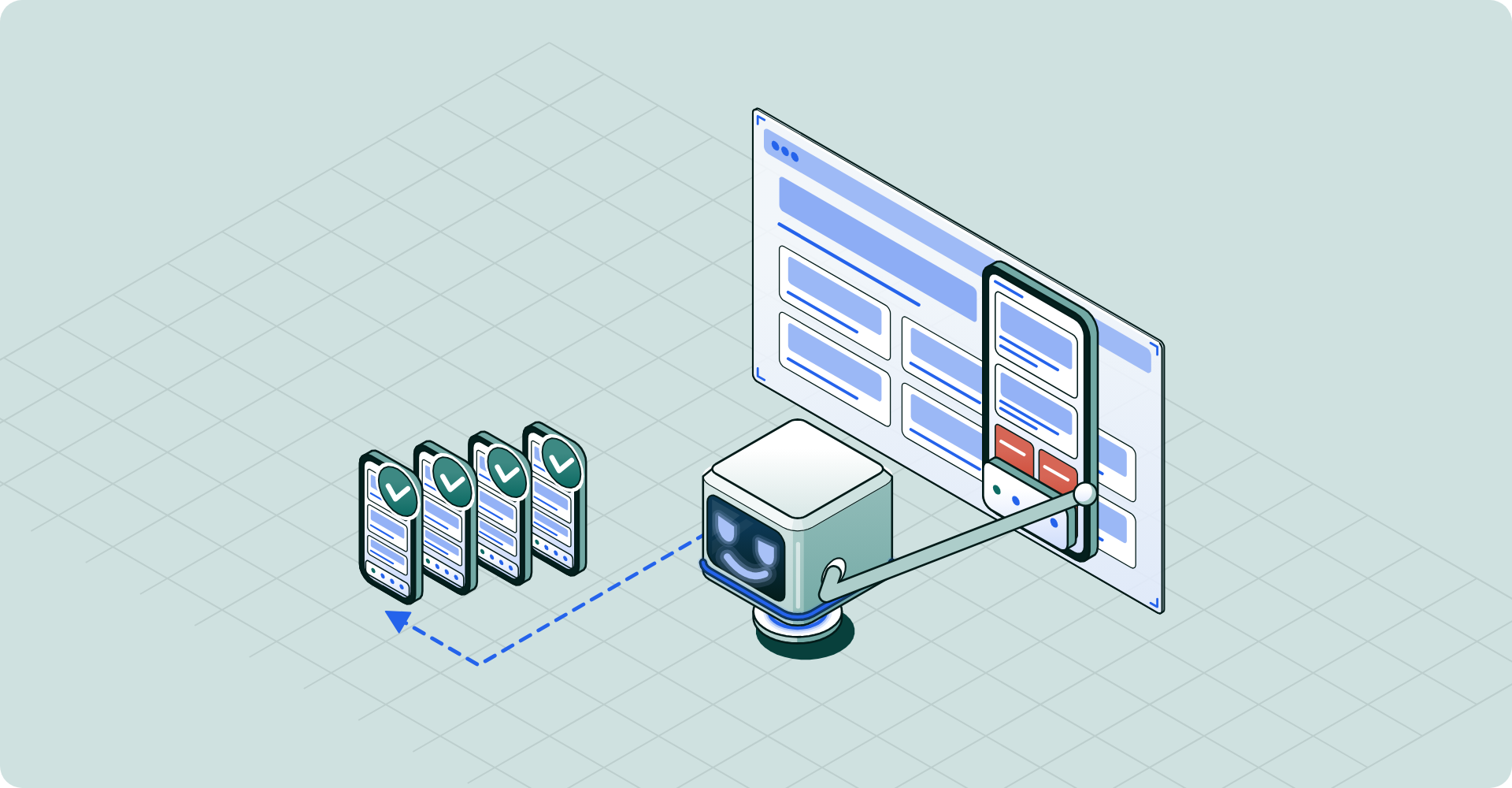
BEFORE IT SAYS DONE: The agent views its work at phone width and fixes the breaks desktop never showed
A coding agent can write a screen, run its tests and report the work done without ever seeing the result. Unless something gives it a browser, a way in and a reason to look, "done" means the code ran. When I built Canopy, a market intelligence mini-app for World App, with ALAI, my team of AI agents, they had no way in. Canopy's login ran on MiniKit, World App's wallet SDK, which only works inside World App, and Playwright, the tool my agents use to drive a real browser, couldn't even start it. So they were shipping screens they had never seen.
Getting them in took a login that exists only on preview builds. After that, every time an agent touched the front end, it opened the live preview at phone width, read what rendered, and fixed and rechecked anything broken before it committed. The agents caught problems no error message would have flagged, from a nav bar covering content to an upgrade prompt describing the wrong tier. Each catch then raised a second question: should it become a test that gives the same answer on every run? An AI reading a screenshot can miss on one pass what it caught on the last, and some things have to be right every time.
A login that only exists on preview builds
Canopy's fix had two parts. Preview builds, the copies of the app deployed for each branch of work, got a login of their own that an agent could use in a regular browser. An admin switcher let it flip any page between the Free, Plus and Pro tiers, so it could check what each kind of customer saw, and the server only honored the switch after confirming the signed-in wallet was the admin's. The first version of the login still kept the agents out. It ran as a server action, tripped the app's protection against forged requests and returned 400 errors, and it only worked once the sign-in moved into the browser through the auth library's own call, which handles that protection itself.
A login that skips the real one is only safe while production can't reach it. That's a yes-or-no fact, so it belongs in a test that runs on every build, since an agent looking at a preview learns nothing about production. How much work the rest takes depends on the login. With a plain email and password, the setup is a test account and the agent signs in like anyone else, and if the login uses passkeys, Playwright added support for them in version 1.61. A login that lives inside another app, as Canopy's did, or behind company single sign-on needs solving first, before you believe an agent that says a page looks fine.
What an agent does before it calls a screen done
My agents drive Playwright through its MCP server (MCP is the common standard for plugging tools into an agent), which lets them operate a browser one step at a time. Each check starts in a fresh browser, so no cookie left over from the last check can hide a problem. Canopy had a bug only a first-time visitor would see: with no cookie set, the theme fell back to light, so the first load of a dark app flashed white. The agent sets the window size before it loads the page, because some pages settle their layout as they load, and a desktop page shrunk afterward doesn't always match what a phone gets. Canopy was checked at 390 by 844 pixels, a common phone screen size, and pages for this site get screenshots at 1440 pixels wide and at 390, in light mode and in dark.
Then the agent looks at the screenshot. Playwright's MCP server also hands it a text outline of the page, built from the page's accessibility tree, and an outline lists every element whether or not something is covering it. On Canopy the outline would have listed every content card while the bottom nav sat on top of the last two, and only the screenshot showed the overlap. The agent also checks one computed style that proves the stylesheet loaded, such as the font on the main heading. That check exists because of this site: an agent once reported a page as rendered because the server answered and the HTML contained the headline, and in a browser the page had no layout at all, with every hidden design option on screen at once.
Only the screenshot showed the overlap
CANOPY, A WORLD APP MINI-APP
Last, the agent uses the page. It clicks the controls, follows the links and reads the copy the way a customer would, and on Canopy it flipped the tier switcher and compared the same page as Free, Plus and Pro. Anything broken gets fixed and checked again at the same sizes before the change is committed. The rule all my agents carry is to verify by looking: screenshot and view before saying anything renders, because HTTP 200, the server's success code, proves nothing about what a person sees.
What the checks caught on Canopy
On desktop, every page looked fine. At phone width, the bottom nav sat on top of the last two content cards, because a padding setting had dropped the clearance the cards needed. The same width squeezed an admin dashboard's period buttons (7 Days, 30 Days, All Time) until they had to become 7d, 30d and All, and it showed the tier switcher was too cramped to use, so the switcher was redesigned twice: first as a row of pills, then as a floating button with a dropdown styled like World App's own login button. Two problems were physical. The navigation buttons were too small to hit reliably with a thumb until the fix took them to 48 pixels, and one layout used a fixed height where it needed a minimum, so on a phone the content below the fold couldn't be scrolled to at all.
Flipping between tiers turned up mistakes in the words, which no layout check would find. An upgrade prompt that always sold Pro was showing the description of Plus. Some pages called the paid tiers Plus, others Premium or Pro, until every page was changed to Free, Plus and Pro. Strings updated for one tier hadn't been carried into the others across the app's six languages, and the paid features were sold as "Sonnet-powered analysis" and "Opus-powered analysis", internal model names that mean nothing to a customer.
One catch was a logic bug that only showed up on screen. Switching tiers changed what the browser drew, but the AI analysis and asset cards rendered on the server stayed on the original tier, because the server's tier check never read the switcher's override. The agent noticed because the AI summaries didn't change when everything around them did. None of these was an error a log would show. By the time a screen got to me, an agent had already looked at it on a phone, so my review went to whether it was the right screen and whether it said the right thing.
Why an AI's look needs tests behind it
A test assertion is deterministic: a button is at least 48 pixels tall or it isn't, the last card scrolls into view or it doesn't, and the answer is the same on every run. An AI reading a screenshot is probabilistic. It notices things nobody thought to write a test for, like an upgrade prompt describing the wrong tier, and it can pass something plainly wrong, or pass it on one run and catch it on the next. On one of this site's illustrations, the agent drawing it reported a face's eyes as matched, and the agent checking its work passed that along after viewing the drawing at the size it appears on the page. I could see they were crooked, and measured up close, in the plane of the slanted screen they were drawn on, one eye was 43 percent taller than the other. Visual review agents are a paid product now, and I haven't found an independent benchmark of how accurately any AI reads a screenshot.
The tools split the same way. When my agents look, they drive Playwright through MCP, choosing each click and reading each result as they go, which is what exploring a new screen needs. A check that has to hold every time belongs in a test written against Playwright's API directly, which clicks the same things in the same order on every run and reports the same failure when something breaks. Playwright has been moving toward joining the two. Version 1.56, in October 2025, added agents that plan, write and repair tests, and later versions bundle the MCP server, so an agent can explore a page and leave behind a test that doesn't depend on its judgment the next time.
So the question after every catch is whether a script could have found it. Touch targets under 48 pixels, a page that can't scroll to its last element, a model name in customer-facing copy, a tier called anything but Free, Plus or Pro, a preview login reachable in production: each is a yes or no that a test can answer on every build. Whether a redesigned switcher is easier to use, or a summary reads the way a customer needs it to, stays with the look, and with me. The crooked eyes went through the same sort. The rule for drawings now says to look at three to six times their size and measure what can be measured, and a small script checks each eye's size and level in the plane of the screen.
The question after every catch is whether a script could have found it
CATCHES FROM CANOPY AND THIS SITE'S DRAWINGS
What happens after a catch
The fix gets checked the way the problem was found, at the same sizes and in the same modes, before anyone says fixed. When one agent reports another's work as fixed, that's a claim until something has looked again, and on the drawings it now means cropping every figure and listing what's actually there before reporting. Then comes the sweep. On Canopy, one change rewrote the model names out of the premium copy, a second found two more in the subscription prompt and the trial copy, and the fixes then had to go into the five other languages, four commits in all. Copy like that gets reused, and a text search across the code would have found every instance in one pass, where screenshots found them a screen at a time.
Every Canopy catch went into a log of what the agent saw, at what size, and how it was fixed, which is where the Canopy examples here come from. When the miss is in the process, the rule changes. The verify-by-looking rule was written on October 26, 2026, after the page that came back from the server fine and had no styling. The next day I widened it to a general QC check, visual and functional, because a page can look right and still not work, and two days after that the drawings added the zoom-and-measure step. Whether a rule like that stays a written instruction or becomes code that blocks the action is its own decision, and I've written about where each kind of fix belongs.
When Maestro is the better tool
Playwright drives web browsers. Maestro tests mobile apps: steps are written as short YAML files it calls Flows, and it runs them on Android emulators and devices and on the iOS Simulator. It also works inside web views, the embedded browsers apps use to show web pages, on Android and iOS with no special setup. Its MCP server now ships with its command-line tool, and an agent can inspect the screen, try steps, take screenshots and then save the steps that worked as a Flow. That's the same move from exploring to a fixed test, built into the tool.
Maestro is the better choice when what you're checking is a native app, or a web page running inside one, where the host app's own screens and login are part of what a customer goes through. For a website checked at a set width, Playwright still fits better, since Maestro's web support is in beta, runs only on Chromium and can't set a screen size yet. Canopy sat between the two: its screens were a website, and checking them at 390 pixels was Playwright's job. Its login only existed inside World App, though, and that's where Maestro might have helped, by driving World App itself so the real MiniKit login ran in a test. I don't know whether World App runs on an emulator or lets an automation tool drive it, and I'd find out before building anything on it. If it does, the preview login would still be the quick way to check screens, and Maestro would test the path a real customer takes to reach them.
Services
- Is your company paying for AI that hasn't changed how the work gets done?
- Is your bot handing more conversations to agents than the vendor promised?
- Is your AI wish list growing faster than anyone has time to build it?
- Are you paying for more AI seats than your team actually uses?
- Is the bot you launched last quarter still giving last quarter's answers?
Is your company paying for AI that hasn't changed how the work gets done?