AI-Augmented Engineer
From World App's help center and mobile app to a smart-contract security engine and this site: what I've built with AI, how I check it without reading the code, and the calls I never hand to a model.
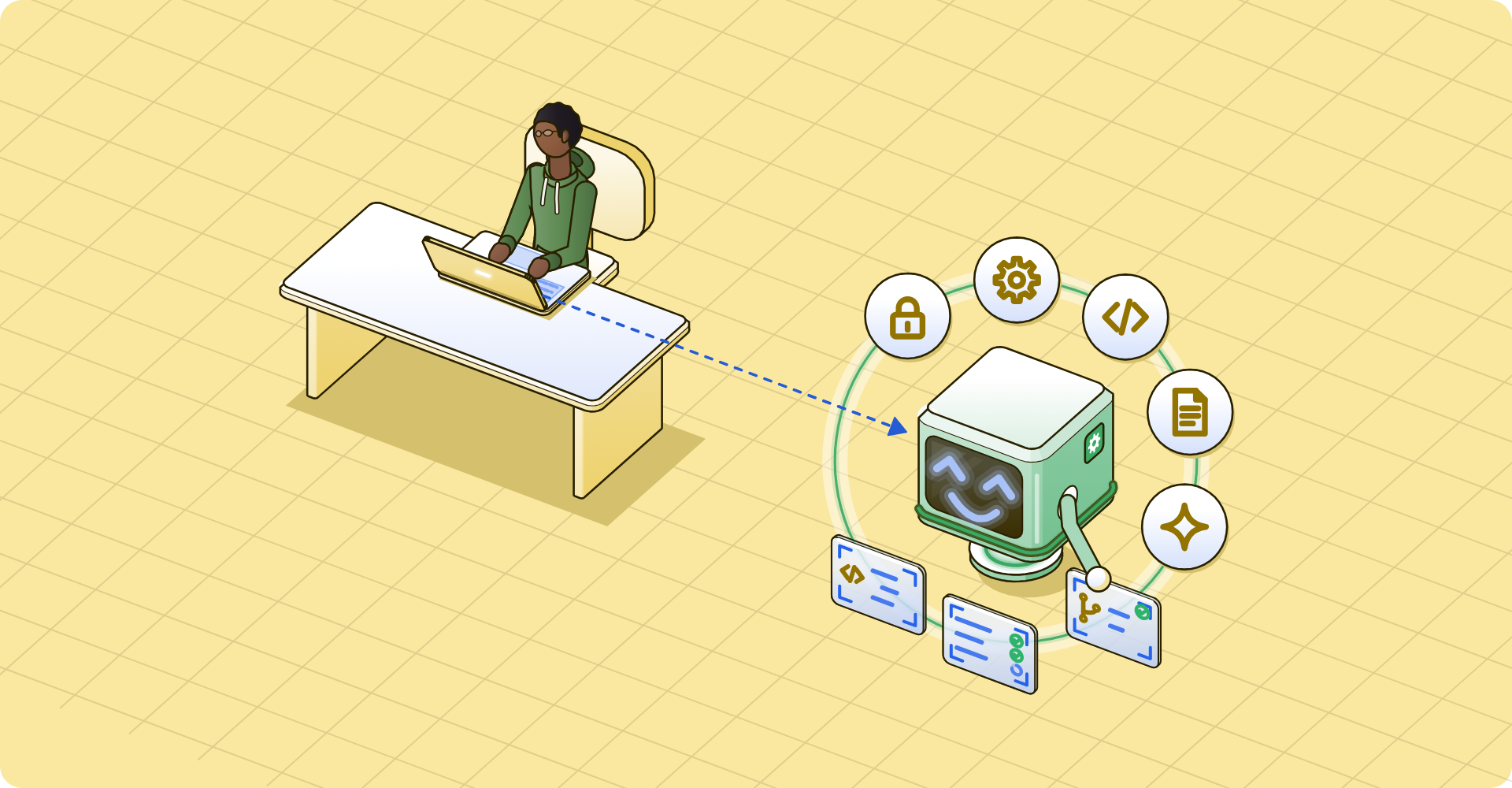
AI-WRITTEN CODE: An agent writes the code I ask for and must pass tests written before the code
AI writes most of my code, and I don't review it line by line. If you're paying for work built that way, or deciding whether your own operations people should build that way, you should want to know what replaces the review. I decide what each piece must do, and that gets written down as tests before any code exists. I decide which parts must behave the same way every time, and those get built as plain scripts and fixed API calls, so a model's judgment only goes where judgment is needed. Nothing counts as done until it passes those tests and has been used the way a customer would use it, and the work that matters gets attacked first by agents whose only job is to break it.
What I built with AI at Tools for Humanity
For three years I owned the help desk behind World App, which has about 40 million users spread across many countries, and a lot of what I built there with AI wasn't the support bot. The help center got custom pages and forms, plus a script that set its language from the person's phone or browser, so people saw help in their own language without looking for a menu. People looking for an Orb, the device that verifies a World ID in person, were asked for their location in the help center. It passed the coordinates into fields the bot could read, and the bot made API calls with them to find Orbs near that person.
The biggest stretch was the app itself. I wired the Zendesk SDK, the kit that puts Zendesk's chat inside a mobile app, into World App's iOS and Android code, which I had never seen before. The app signed people in through the company's own World ID-based system instead of the flow the SDK expects, so each person's user ID wasn't reaching the ticket. I shipped a temporary Zendesk app to cover the gap, then moved the fix into the app code, so the user's ID went into a ticket field the moment a conversation started, where agents and the AI bot could both read it.
Behind the scenes, scripts did the admin work that's slow and easy to get wrong by hand: managing badges on the community forums, onboarding and offboarding Zendesk users, and changing macros and help-center articles in bulk. Offboarding is the clearest case for a script, because one missed step by hand leaves someone with access they shouldn't have, and a script takes the same steps every time. Custom Zendesk apps, some built in Zendesk's App Builder, covered gaps the platform left. The work system that support, Legal, Fraud and other teams ran their work on was built with Claude, the Linear API and Slack workflows, and I've written about why the people who build that kind of thing often already work in operations.
Some of what I built existed only to test the rest. Demo chat interfaces let me try UI changes in a working chat window: conversation titles, pinning conversations by age and by brand, and other changes to how the chat looked and behaved. The AI agents I built there had staging versions, copies where changes were tested and demoed before they reached the live bot. When staging couldn't show real behavior, as with the support bot's fraud checks, which needed real user data, the new bot started on 5% of live traffic instead. That rollout has its own write-up, including how I'd size the first slice.
What I build now, and how the day runs
Now I do most of my work with ALAI, my team of 11 AI agents on Claude. Seven of them handle coordination, architecture, coding, strategy, ops, writing and research, and the other four exist to break what those seven make. I used it to build this site and WalletGuard, an AI security testing engine for smart contracts at Gestalt Labs, the company I founded to build my own AI products. The day isn't all code. Research goes out as an open question so it can change my mind instead of confirming it, and a UI change comes back as at least two working options plus a baseline, measured against real reference sites, scored, then reviewed blind by an agent that hasn't seen the scores. Whatever comes back leads with one recommendation and its reasoning, so I'm not left choosing from a menu.
Different work goes to different models. Planning goes to the most advanced model I can use, and coding goes to Opus 5.5 for its price and performance. I split long conversations by theme into fresh ones before the context fills up with things that no longer matter, and I manage the prompt cache, since on Opus 5.5 a cached read costs a twentieth of fresh input. Several sessions run at once, each on its own branch in GitHub with its own copy of the code, and nothing merges into the main version until I say so. The instructions, notes and specs live in files that aren't tied to one provider, so the work carries over if one goes down, and I'm testing local and quantized models (smaller versions that can run on my own hardware).
How I know it works without reading the code
Handing the code to models left me the harder part of the job: deciding what should exist, saying what "done" means precisely enough that a test can check it, and catching what passes every test and is still wrong. Tests are how I say what done means. I decide what something should do, and that becomes tests before the code exists, written as pass criteria for the whole feature working end to end the way a person would use it, not only for one function returning the right value. Full test suites run alongside them, and they give the same answer on every run, whatever an agent thinks of its own work.
Catching what's still wrong is QA, and most of QA is looking and using. Before anything is called done, it gets opened at desktop and phone widths and clicked through the way a customer would, because a page can load without an error and still be broken. Anything that writes to a live system gets a dry run first, and one good run doesn't prove the next hundred. Then the agents built to break things get their turn, one each for web apps, cloud infrastructure, AI models and cryptography, along with round-table audits that run six reviews at once and report back before I decide what gets fixed. I've written more about how that team checks its own work.
When an agent gets something wrong, I fix what produced the mistake as well as the output. Depending on the mistake, that's a script so the step runs the same way every time, a rule every agent reads at the start of a session, a note it carries into the next one, or a hook, a small check that blocks the action outright. You can't guarantee what a model will produce, but you can massively increase the odds, and each of those fixes does. There's a separate piece on where each kind of fix belongs.
The calls I don't hand to a model
The first decision on any build is which parts have to behave the same way every time and which can be left to a model. On World App's help desk, a person's language and location were facts, so a script collected them and passed them along, and the Orb lookup was an API call with fixed inputs. The exits are fixed too: in the bots I build, a person who asks for a human twice gets one, and after three help-center searches without asking, the bot offers a human anyway. The model's job is the part that needs judgment, reading what someone wrote and working out what they need. In the feedback pipeline I stood up at Tools for Humanity, several models read and sorted rated support cases, and every number in the findings came from the data warehouse.
The same decision settles how a tool gets connected. MCP, the common standard for plugging tools into an agent, leaves the model to pick the tool and fill in the inputs. That's probabilistic, and it's very helpful for looking things up and exploring. A lookup customers depend on, like that Orb search, gets built on the system's API directly, so code makes the call with the same inputs every time.
How much to trust an agent or a bot on day one is the next call. On my own projects I can give agents wide access, but on a company's systems I'd start every agent read-only and widen it as it proves out, on short-lived credentials scoped to its role. The AI policy I wrote for the support org at Tools for Humanity made read-only the default, required a dry run before any write and used hooks to block writes outside an agent's role. Rollouts follow the same logic. With fraud checks in front of every conversation and tens of millions of users, the support bot went out to a small slice of traffic first; with no fraud impact, the risk can be low enough that a split isn't worth running.
Anything public also has to sound like one company. At Tools for Humanity I built internal brand guidelines from World's public brand page and held everything public-facing I made to them, and each of my own projects has one voice and brand guide that every agent writes to. The agents recommend, and what gets built, what ships and what merges stays my call.
What your operations people need to build this way
Operations people are well placed to build like this. They think in systems of work, they know the rules their work runs on, internal policy and outside regulation included, and they sit closest to the customer, so they can spell out exactly how something should work and what should change. AI lets them build tools that match those rules. What they need to learn is the routine above: writing down what done means before anything gets built, deciding which parts have to be exact, and checking the result by using it. A half-day of Team AI Enablement starts there, on your team's real work. Each person builds and tests one working skill for their own job, with ground rules on what data can go in and when a person checks the output, then brings what breaks to 30 days of office hours.
Services
- Is your company paying for AI that hasn't changed how the work gets done?
- Is your bot handing more conversations to agents than the vendor promised?
- Is your AI wish list growing faster than anyone has time to build it?
- Are you paying for more AI seats than your team actually uses?
- Is the bot you launched last quarter still giving last quarter's answers?
Is your company paying for AI that hasn't changed how the work gets done?